Back to Projects

Byrd Design System

byrd logo

About the Project

When I joined Byrd, the company was in the midst of scaling its digital products. There was a challenge — no unified design system that could ensure consistency across all platforms. My colleague, Vedran Jukić had already kickstarted the process by laying the foundation, but it needed refining and expanding. This was where I came in. Together, we embarked on the journey to create a seamless, cohesive design system for Byrd’s ever-growing product suite.

Clean Design Library

  • Byrd icons example
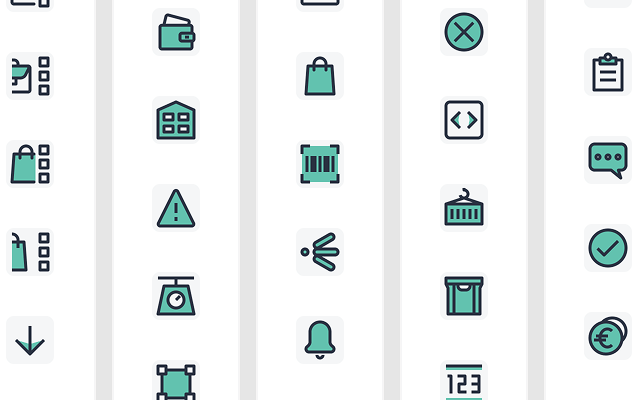
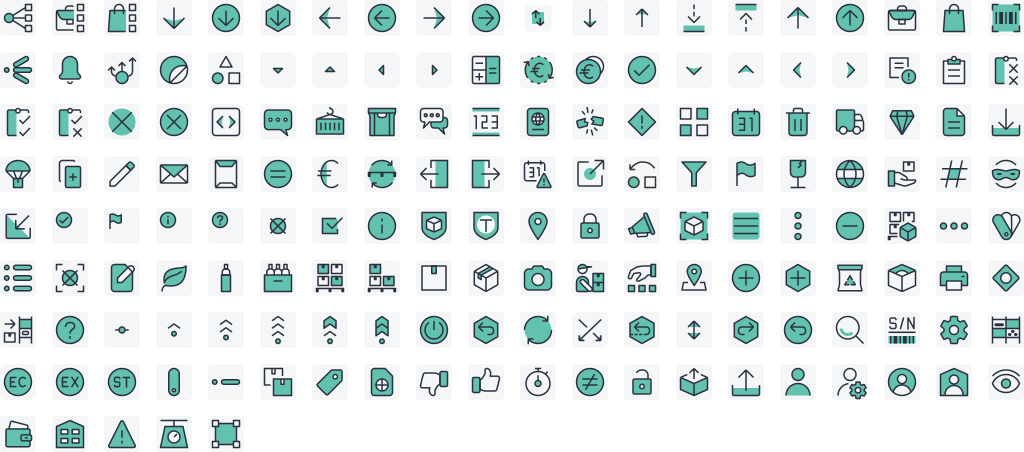
    152 Hand-crafted icons
  • Byrd components example
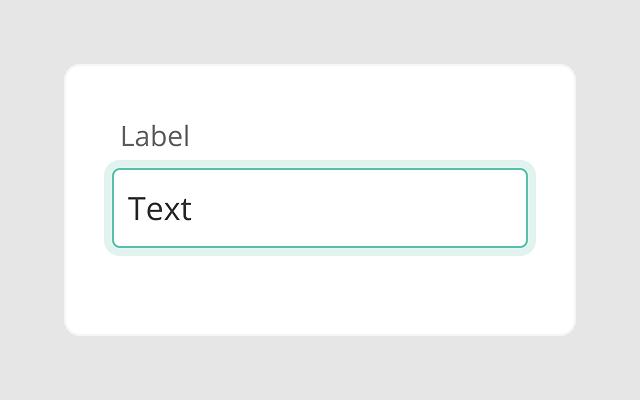
    58 Components
  • Byrd variants example
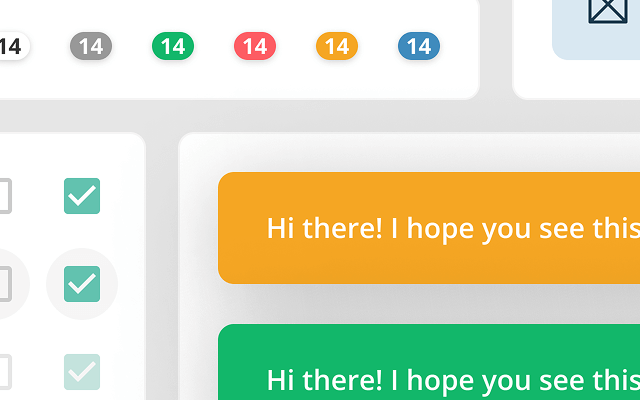
    240 Variants

The Power of Color

We needed a color palette that was not only visually appealing but also functional across all products and branding materials. The challenge? Balancing boldness with warmth while maintaining a professional look. After carefully selecting the shades, we created a vibrant yet balanced palette that makes the user experience feel both dynamic and welcoming.
  1. Brand / Primary
  2. Brand / Secondary
  3. Brand / Tertiary
  • Brand / Primary #293141
    1. 800
    2. 600
    3. 400
    4. 100
  • Brand / Secondary #62C2AF
    1. 800
    2. 600
    3. 400
    4. 100
  • Functional / Info #3F8BBD
    1. 800
    2. 600
    3. 400
    4. 100
  • Functional / Warning #F5A623
    1. 800
    2. 600
    3. 400
    4. 100
  • Functional / Danger #FD5C63
    1. 800
    2. 600
    3. 400
    4. 100
  • Functional / Success #12B76A
    1. 800
    2. 600
    3. 400
    4. 100
  • Neutral #989898
    1. 900
    2. 800
    3. 700
    4. 600
    5. 500
    6. 400
    7. 300
    8. 200
    9. 100
    10. 50

Spacing for Precision

One key element of the system was ensuring that spacing between components and text was precise and scalable. The challenge was finding a simple yet effective system that could work across a wide range of screen sizes. Using a 4-pixel increment system, which became the backbone of our design layout. This gave us consistency and flexibility, whether designing small buttons or large banners.

Crafting Icons

Icons needed to be more than just symbols — they had to carry meaning and match the visual identity of the brand. The obstacle was creating a set of icons that were both geometric and easily recognizable. By handcrafting each icon within a 24x24 px grid and adhering to a 4 px safe area, we created a harmonious, functional set that helps users quickly understand functions and features.
Byrd design system icons

Building Blocks

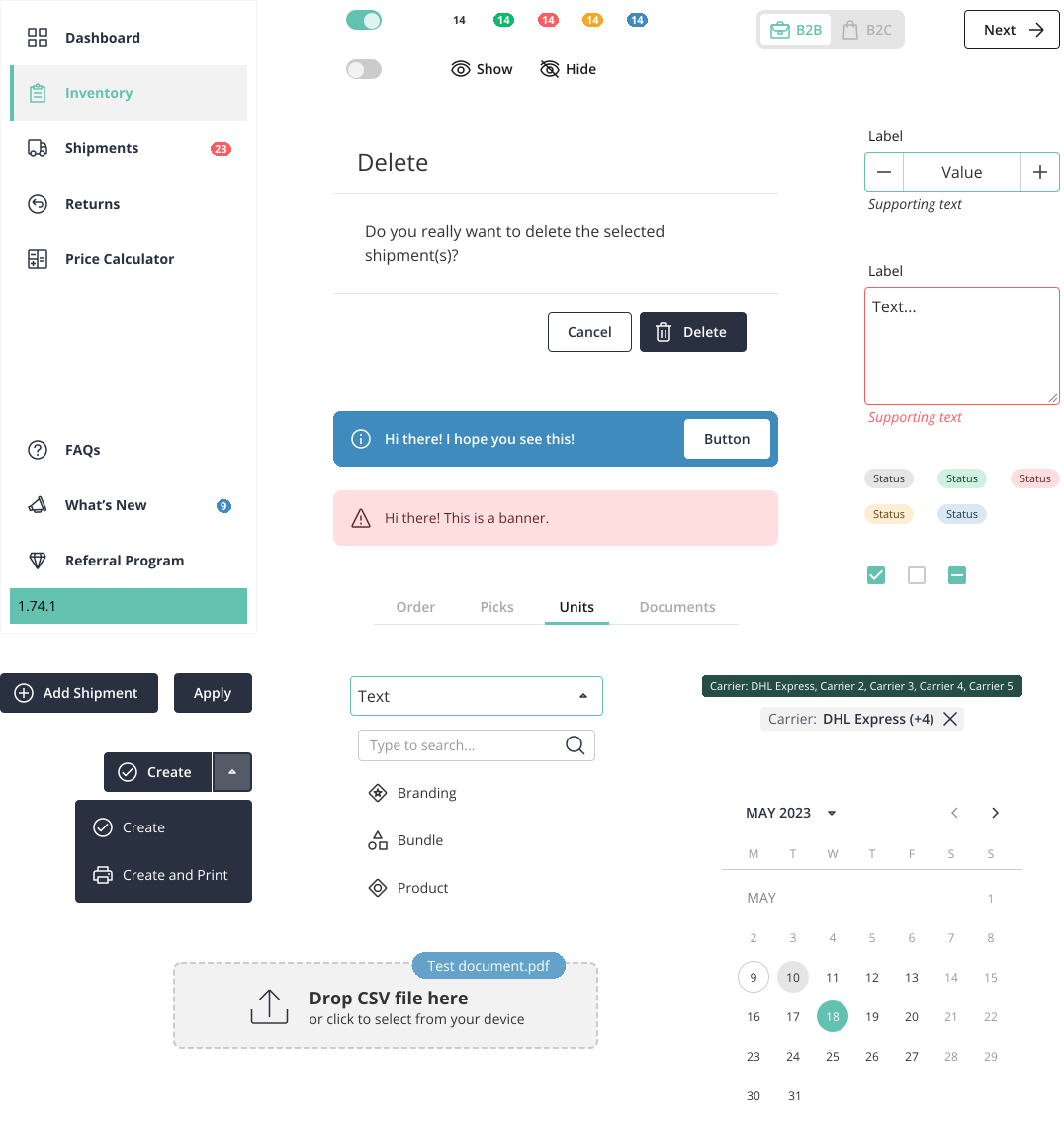
The design system had to include ready-made UI components that could be used across multiple products to maintain consistency. But, how could we ensure each piece was not only functional but intuitive and interactive? The answer was in building a comprehensive component library — from buttons to forms to dropdowns — ensuring each element was optimized for user interaction and aligned with the overall design system.
Byrd design system components subset

Inclusive Design

Designing for accessibility is often overlooked, but we wanted to make sure Byrd’s products were usable by everyone. The challenge was ensuring all users, including those with disabilities or limited mobility, could interact efficiently with the interface. We tackled this by making accessibility a priority, creating features like keyboard navigation, color contrasts, and alternative text for images to make the system as inclusive as possible.
  • See

    • Permanent
      Blind
    • Temporary
      Wears glasses
    • Situational
      Distracted
  • Touch

    • Permanent
      One arm
    • Temporary
      Arm injury
    • Situational
      Holding box
  • Hear

    • Permanent
      Deaf
    • Temporary
      Ear infection
    • Situational
      Loud around
  • Speak

    • Permanent
      Non-verbal
    • Temporary
      Laryngitis
    • Situational
      Heavy accent
  • Byrd button focus example
    Primary
  • Byrd button focus example
    Secondary
  • Byrd button focus example
    Neutral
  • Byrd button focus example
    White

Focus State

To make our focus state more visible and accessible, we used a combination of primary and white colors for the border. This contrast helps the focus indicator stand out clearly on both light and dark backgrounds. It improves visibility for all users, especially those using keyboard navigation.

Using both a light (white) and a dark (primary) color ensures the focus style has enough contrast, no matter the background. This technique supports better accessibility and visual clarity. It's a simple but thoughtful way to make the interface more inclusive and easier to use for everyone.
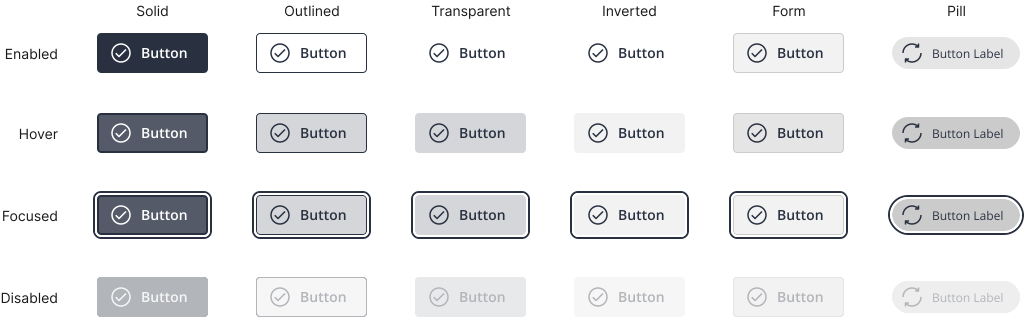
Byrd design system buttons

Dynamic Interaction

We wanted the user experience to feel engaging and fluid, so motion design became a key element. The challenge was adding subtle animations that didn’t overwhelm the user but still captured their attention when interacting with key elements like buttons or progress bars. By experimenting with motion effects, we managed to enhance the interactivity of the interface, guiding users through the app in a natural, intuitive way.
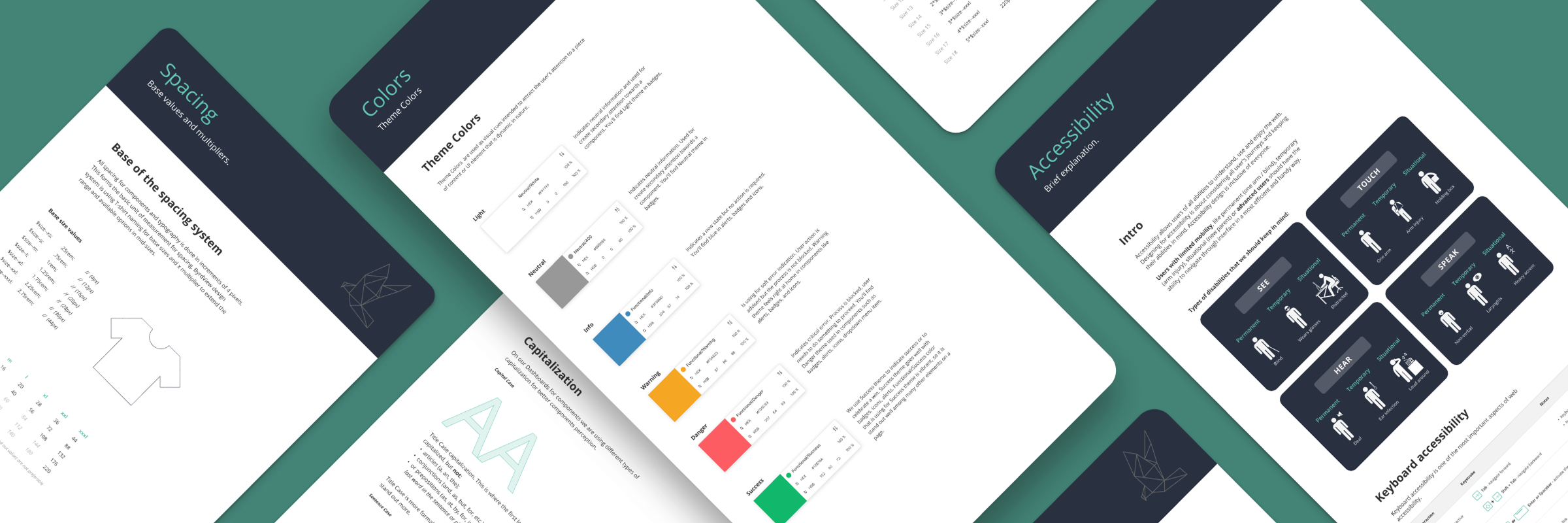
Collage of screenshots with Byrd design system

Reflections & Takeaways

I really enjoyed working on this project. It started with me deepening my skills in Sketch and Figma, and staying on top of the latest updates. One of the highlights was how it brought our design and development teams closer together. We spent time educating the devs on how to use our design system properly, and they built a Storybook to support consistent component usage. In the end, it was a valuable investment: the design system helped us create layouts much faster and with more confidence.